Set up your Cosmos wallet and security
Building a Cosmos DeFi strategy starts with a secure entry point. You need a wallet that supports the Cosmos SDK and Inter-Blockchain Communication (IBC). Unlike standard Ethereum wallets, Cosmos requires specific handling for ATOM and cross-chain tokens to ensure your assets remain accessible across the ecosystem.
Select a wallet that explicitly supports Cosmos IBC. Ledger Live and Keplr are widely used because they natively handle Cosmos chains and IBC token transfers. Avoid generic wallets that only support EVM chains, as they cannot interact with Cosmos SDK apps. Verify compatibility on the official Cosmos network site before proceeding.
Download the application from the official source or your hardware device’s verified store. For hardware wallets, ensure the Cosmos app is updated to the latest version. This step prevents connectivity issues with IBC relayers later. Do not download extensions or apps from third-party links found in search results.
Write down your 12 or 24-word seed phrase on paper. Store it in a secure, offline location like a safe or fireproof box. Never store this digitally on your computer, phone, or in cloud storage. Anyone with this phrase can drain your wallet. This is the single most important security step in your DeFi strategy.
If your wallet supports two-factor authentication (2FA) or biometric locks, enable them immediately. For hardware wallets, set a strong PIN code. These layers add defense against physical theft or unauthorized access. Keep your recovery phrase separate from these digital security measures.
Send a small amount of ATOM to your wallet address from an exchange. Confirm that the transaction appears correctly in your wallet interface. This verifies that your wallet is properly configured to receive Cosmos assets. Once confirmed, you are ready to explore IBC bridges and DeFi protocols.
Access interchain liquidity via IBC
Interchain liquidity allows you to move assets between Cosmos chains and external networks like Ethereum. The Inter-Blockchain Communication (IBC) protocol enables this transfer without relying on centralized exchanges. By accessing these pools, you can find better yields or trading pairs that aren't available on a single chain.
IBC works like a direct train line between cities. Instead of transferring funds through a central hub that takes time and fees, assets move directly between connected blockchains. This reduces counterparty risk and often lowers transaction costs. You can move tokens from a Cosmos hub to a sidechain or bridge to Ethereum in a few clicks.
To access this liquidity, you need a wallet that supports IBC, such as Keplr or Cosmos Hub's official wallet. These wallets allow you to send tokens across the Interchain. You can also use decentralized bridges like the Cosmos Hub's Interchain Token Transfer (ITT) protocol for more complex moves.
Select Cosmos DeFi tools for yield
Building a yield strategy requires matching specific protocols to your risk tolerance. The Cosmos ecosystem offers distinct tools for liquidity provision, staking, and asset management. Choosing the wrong interface can expose capital to smart contract risk or excessive slippage.
Start with a decentralized exchange (DEX) to manage your base assets. Osmosis is the primary liquidity hub for the Cosmos Hub and many IBC-connected chains. It allows you to swap tokens and provide liquidity to earn trading fees. For stablecoin yield, Terraform Labs’ UST (or its successors) often provides lower volatility options within the ecosystem. Check Defi Prime for the current list of active projects and their TVL rankings.
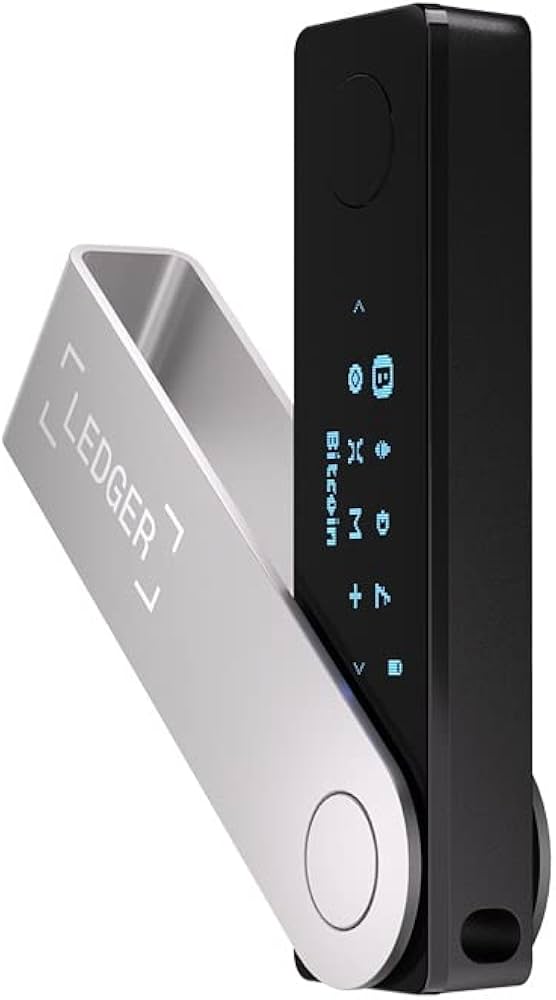
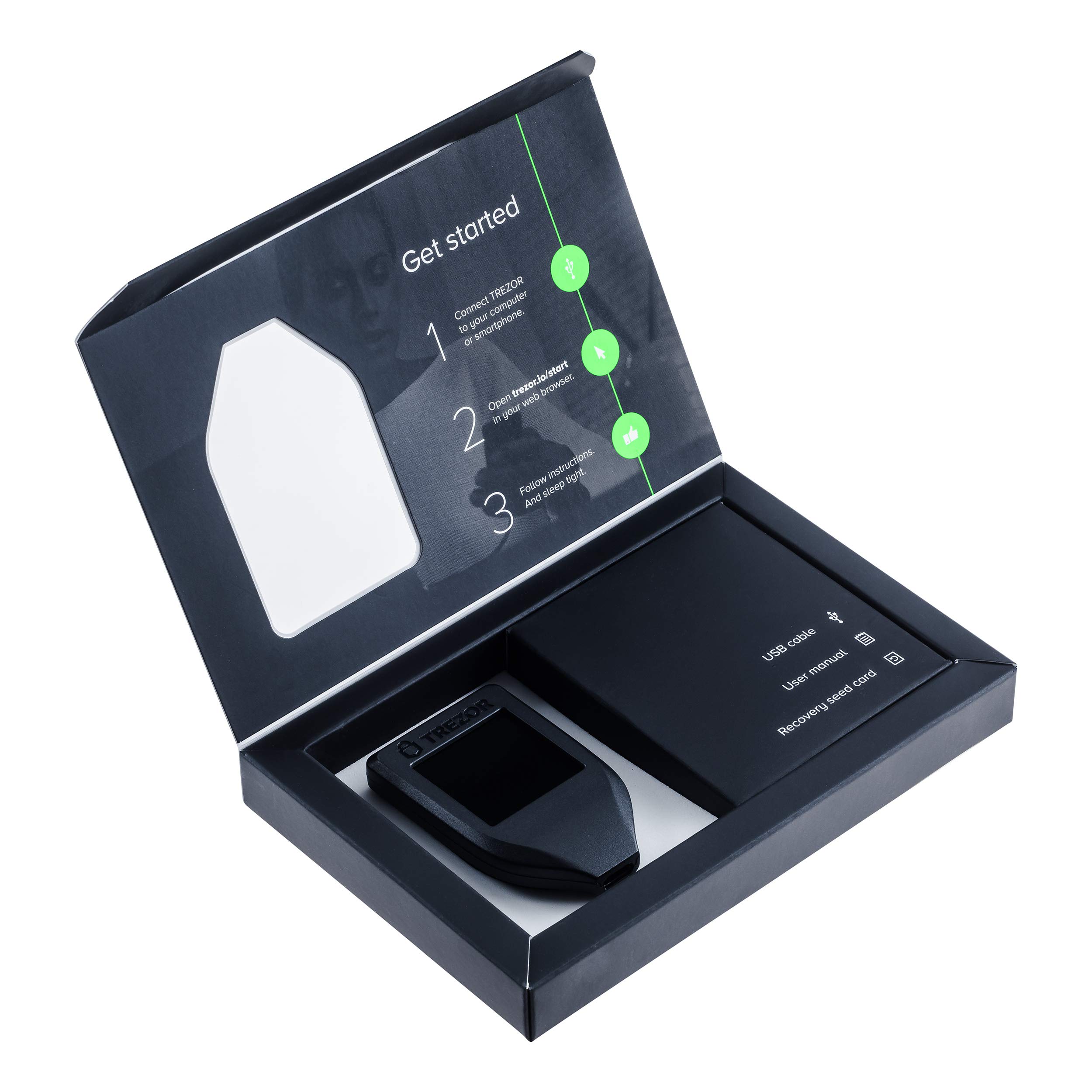
Next, secure your assets. High-stakes yield farming demands cold storage. Hardware wallets like Ledger and Trezor support Cosmos (ATOM) and IBC tokens. This keeps your private keys offline, protecting your principal from exchange hacks or phishing sites. Never connect your main treasury wallet to a new dApp without testing with a small amount first.
Finally, evaluate the yield source. Are you earning from trading fees (DEXs), inflation (staking), or lending interest? Each carries different risks. Osmosis fees fluctuate with volume. Staking rewards depend on network inflation. Lending rates depend on utilization. Diversify across these three buckets to smooth out volatility.
As an Amazon Associate, we may earn from qualifying purchases.
Avoid common interchain mistakes
Building a Cosmos DeFi strategy requires more than just picking high-yield protocols. The interchain nature of the ecosystem introduces specific risks that can wipe out gains if ignored. Most failures stem from operational errors rather than smart contract bugs.
Check your destination chain
IBC transfers are irreversible. Sending assets to the wrong chain address or using the wrong IBC denomination format results in permanent loss. Always verify the receiving chain's IBC path before initiating a transfer. Use the official Cosmos Hub documentation to confirm valid asset paths and avoid typos in the denom string.
Assess bridge risks
Not all assets move natively via IBC. Bridging tokens from Ethereum or Solana to Cosmos involves third-party custodians or smart contract bridges. These layers introduce counterparty and exploit risks. Prioritize IBC-native assets or bridges with long, audited track records. Never bridge funds you cannot afford to lose to a less secure channel.
Monitor gas and fees
Each Cosmos chain has its own gas token and fee structure. Sending ATOM to a chain that requires OSMO for gas will result in stuck transactions. Ensure you hold the native gas token for the specific chain you are interacting with. Check current fee estimates on the target chain before sending significant amounts.
Verify contract permissions
When interacting with Cosmos DeFi apps, review the token approvals carefully. Granting unlimited approval to a new protocol can expose your assets to drain if the contract is compromised. Set approval limits where possible and revoke unused permissions regularly using chain explorers.
Verify your Cosmos infrastructure setup
Before deploying capital into a Cosmos DeFi strategy, perform a final audit of your infrastructure. This step ensures your connections are secure, your positions are visible across chains, and you understand the governance mechanisms available to you.
Verify that your wallet is connected to the correct Cosmos Hub or IBC-enabled chain RPC endpoints. Use the official Cosmos network dashboard to confirm node health and latency. Incorrect endpoints can lead to failed transactions or missed block proposals.
Check every active position, including staked ATOM, liquid staking tokens (like stATOM or osmosis-atom), and lending positions. Ensure your portfolio view aggregates data across IBC-connected chains. Missing a position on a peripheral chain can leave you exposed to unmonitored risks.
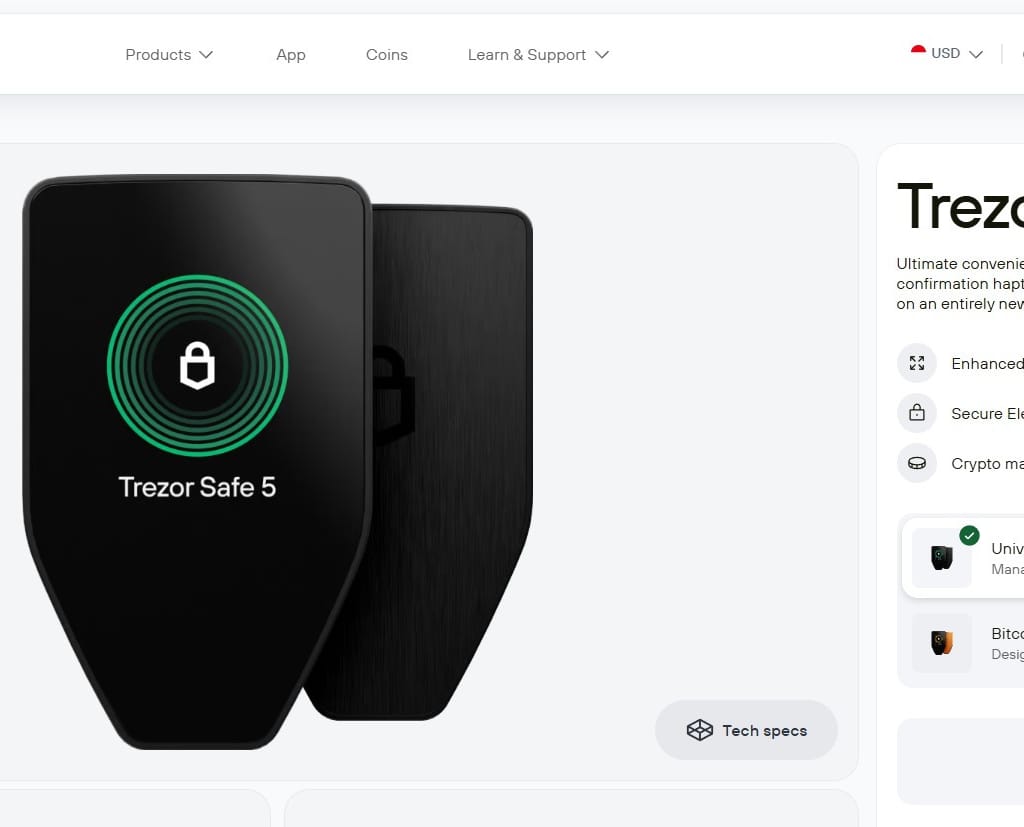
Confirm your voting power is correctly reflected in the Cosmos Hub governance portal. Review any pending proposals that could impact your staking rewards or the network’s economic parameters. Active participation allows you to influence the direction of the Cosmos DeFi strategy.
Execute a small test transaction to verify gas estimation and finality times. Cosmos chains typically offer fast finality, but network congestion can vary. Ensure your gas settings are optimized to prevent stuck transactions during high-traffic periods.
Frequently asked questions about Cosmos DeFi
How do I connect my wallet to a Cosmos chain?
Most Cosmos-based DeFi applications support standard wallets like Keplr or Leap. Install the browser extension or mobile app, then navigate to the dApp’s connection page. Select your wallet from the list of supported providers and approve the connection request. This allows your wallet to sign transactions and interact with the specific blockchain network.
What is the role of ATOM in Cosmos DeFi strategies?
ATOM is the native token for the Cosmos Hub, the central hub of the Cosmos ecosystem. While ATOM itself is not used for gas fees on most individual app chains (which use their own tokens), holding ATOM allows you to participate in governance. You can vote on proposals that affect the Hub’s direction, including interchain security settings that protect other chains in the network.
Can I bridge assets between Cosmos chains easily?
Yes, the Inter-Chain Transfer Protocol (IIBC) and the Inter-Blockchain Communication (IBC) protocol enable seamless asset transfers between connected blockchains. You can use the Cosmos Wallet interface or dedicated bridges like the Cosmos Hub’s official bridge to move assets between the Hub and other IBC-enabled chains. Always verify that the receiving chain supports the specific asset you are transferring.
How does Cosmos compare to Ethereum for DeFi?
Cosmos prioritizes interoperability and specialized app chains over a single monolithic network. While Ethereum hosts many DeFi protocols on one chain, Cosmos allows developers to build custom blockchains optimized for specific use cases that can communicate with each other. This structure aims to solve scalability issues by distributing load across multiple chains rather than congesting a single network.
No comments yet. Be the first to share your thoughts!