Set up your interchain wallet
Building a Cosmos DeFi strategy starts with securing your keys and choosing an interface that speaks the Inter-Blockchain Communication (IBC) protocol. Without a properly configured wallet, you cannot interact with the sovereign blockchains that make up the Cosmos ecosystem.
Follow these steps to establish a secure, IBC-compatible foundation for your portfolio.
Since you are managing high-stakes finance, never store significant assets on exchange wallets or software-only solutions. Use a hardware wallet that supports Cosmos SDK chains. Ledger and Trezor are the industry standards, but verify specific chain support before purchasing.


As an Amazon Associate, we may earn from qualifying purchases.
Your hardware wallet holds the keys, but you need a software interface to sign transactions and bridge assets. Cosmostation and Keplr are the most widely used wallets in the ecosystem. Install the browser extension or mobile app, then connect it to your hardware device. This setup ensures your private keys never leave your physical device while allowing you to interact with decentralized applications.
Every transaction on Cosmos chains requires gas fees, paid in the native token of that specific chain. For most Cosmos ecosystem interactions, you will need ATOM. Purchase ATOM from a reputable exchange like Kraken or Coinbase, then withdraw it to your new wallet address. Ensure you select the correct network (Cosmos Hub) during withdrawal to avoid lost funds.
Before committing significant capital, test the connection between your wallet and the broader network. Send a small amount of ATOM to a different Cosmos SDK chain, such as Osmosis or Injective, using the IBC bridge feature within your wallet. Confirm that the funds arrive correctly and that you can view the balance across both chains. This step validates your setup and familiarizes you with the transfer process.
Deploy capital on Osmosis
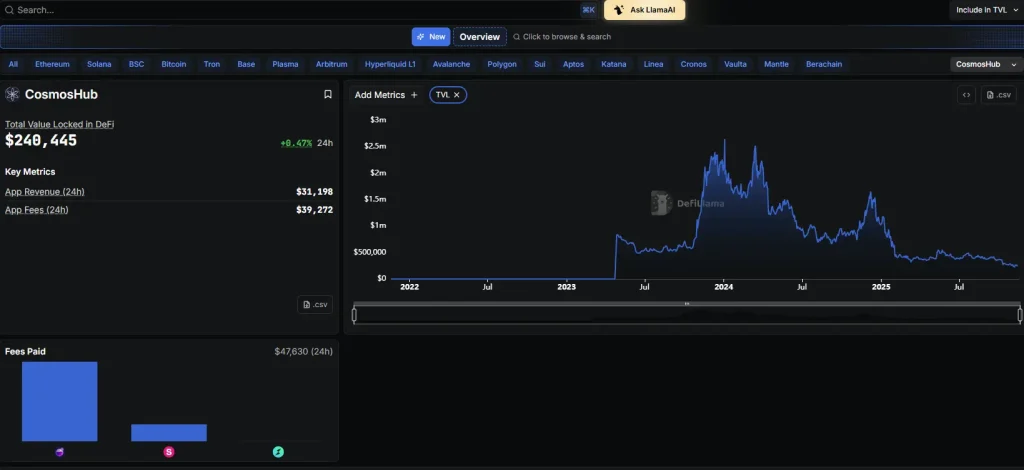
Osmosis operates as the primary liquidity hub for the Cosmos ecosystem, allowing you to swap assets across IBC chains and provide liquidity for yield. Instead of routing trades through centralized exchanges, you can execute cross-chain swaps directly within the Osmosis interface. This section walks you through the process of connecting your wallet, selecting the right pool, and managing your position.
Navigate to the Osmosis web interface and connect your preferred Cosmos-compatible wallet, such as Keplr or Leap. Ensure your wallet is configured for the Osmosis chain (chain ID: osmosis-1). If you are bridging assets from other Cosmos SDK chains, use the official IBC transfer mechanism or a trusted bridge to move your tokens to Osmosis before proceeding.
Select the "Swap" tab to trade assets. Osmosis uses concentrated liquidity, meaning you can often find better rates than on traditional AMMs. Enter the token you want to sell and the token you want to buy. Review the price impact and slippage tolerance; for high-volume trades, adjust slippage to prevent failed transactions due to market volatility.
To earn yield, move to the "Pools" section and select a liquidity pool that matches your risk tolerance. Concentrated liquidity pools offer higher capital efficiency but require active management. Deposit your assets into the pool, then stake your LP tokens to earn OSMO incentives. Monitor your position regularly to avoid impermanent loss if the asset prices diverge significantly.
DeFi interactions carry smart contract risk. Always verify the contract address and ensure you are on the official Osmosis domain. For large capital deployments, consider using a hardware wallet to sign transactions. This keeps your private keys offline and protects your assets from phishing sites or malicious browser extensions.
For those managing significant capital, hardware wallets are essential for securing your private keys during these transactions. Below are recommended devices for Cosmos DeFi strategies.


As an Amazon Associate, we may earn from qualifying purchases.
Use Cosmos-native lending protocols
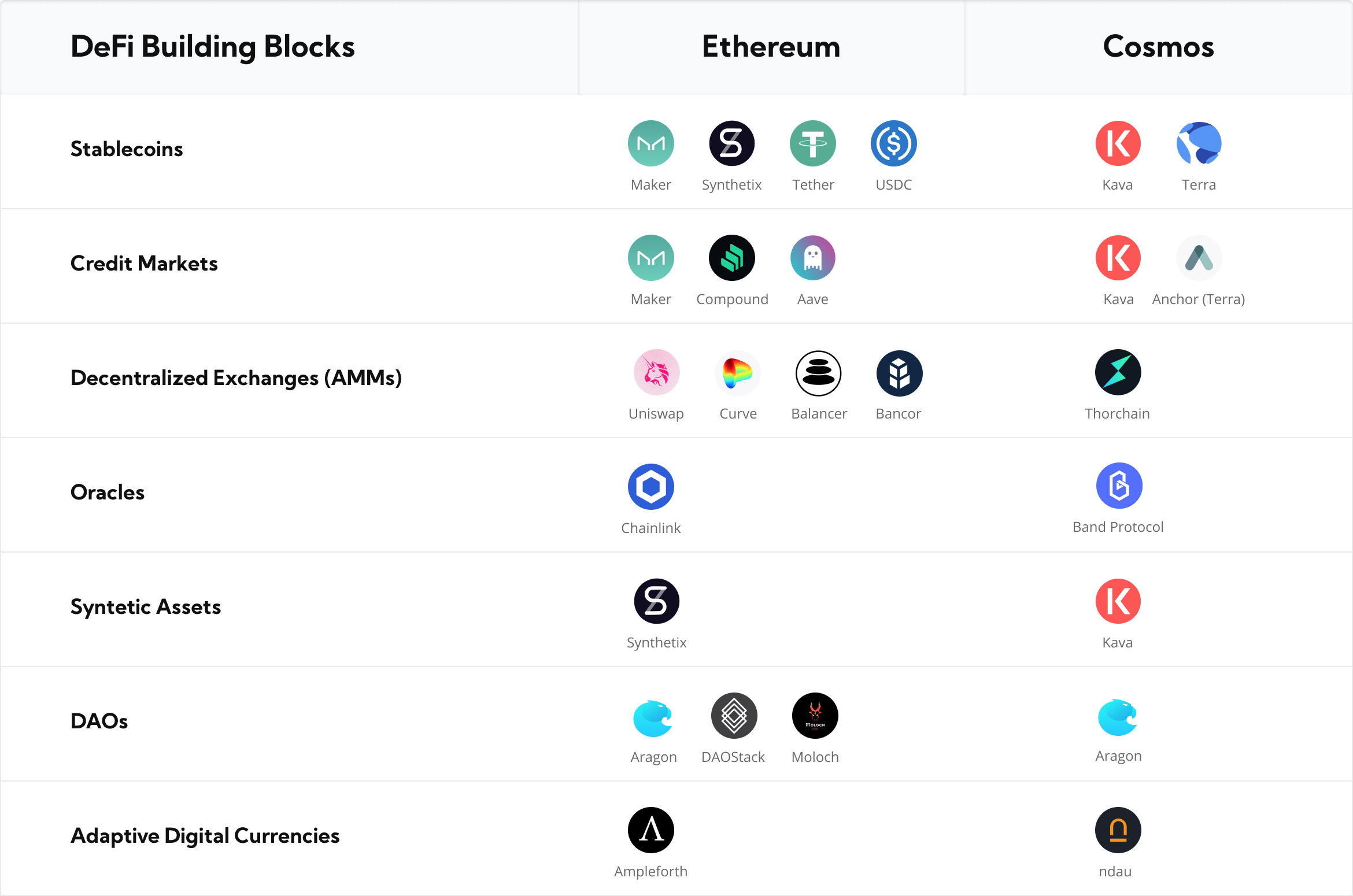
Leverage lending protocols like Kava or Comdex to generate yield or borrow against IBC assets. These platforms let you lock up collateral to borrow stablecoins or other tokens, effectively using your crypto as cash flow without selling your position.
| Protocol | Focus | Risk Profile |
|---|---|---|
| Kava | Broad DeFi, stablecoins, and IBC assets | Moderate – established but exposed to market volatility |
| Comdex | Supply chain finance and real-world assets | Lower – diversified collateral and real-world backing |
Always use a hardware wallet for significant positions. The risk of smart contract exploits or liquidation is real, and securing your keys is the first line of defense.


As an Amazon Associate, we may earn from qualifying purchases.
Monitor interchain security
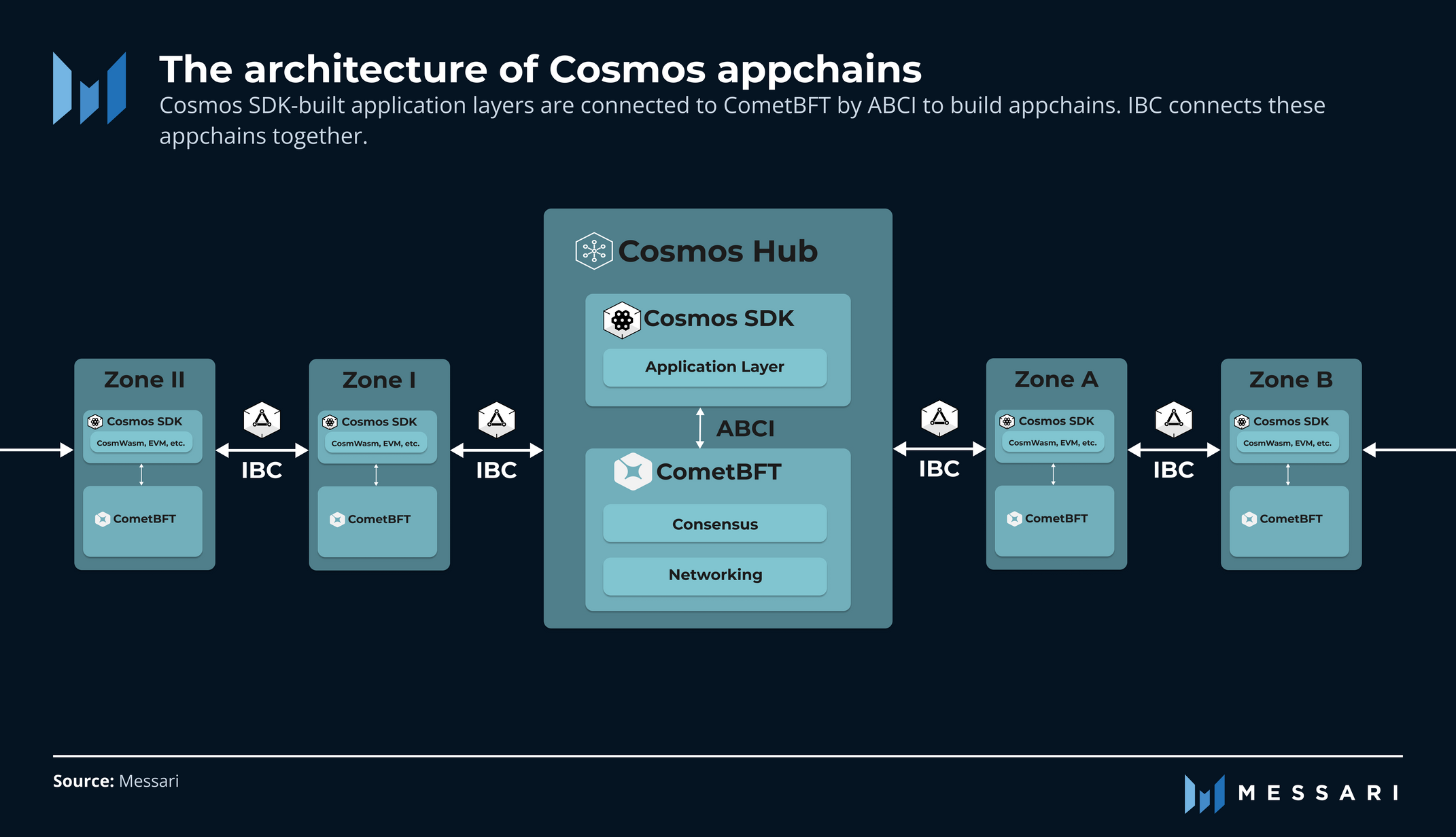
Moving assets to consumer chains is like leaving your money in a different bank branch. You still trust the Cosmos Hub, but the branch itself needs to be secure. Interchain Security (ICS) solves this by letting the Hub share its validator set with consumer chains. This means your assets on a smaller chain are protected by the same heavy-duty security that backs the Cosmos Hub.
To keep your portfolio safe, you need to verify that the chain you’re using is actually secured by the Hub. Follow these steps to check and manage your exposure.
The biggest mistake users make is assuming all Cosmos chains are equally secure. ICS is not automatic for every chain in the ecosystem. Only those that have explicitly opted in and bonded with the Hub benefit from this shared security model. Always double-check the chain’s documentation or the Hub’s official list before transferring.
If you’re serious about security, invest in proper hardware. Here are some reliable options for storing your Cosmos assets:


As an Amazon Associate, we may earn from qualifying purchases.
-
Confirm the chain is ICS-enabled on the Hub registry
-
Check for recent slashing events on shared validators
-
Verify your wallet supports the specific consumer chain
-
Store private keys on a hardware wallet
Avoid common liquidity traps
Liquidity in the Cosmos ecosystem offers high yields, but it comes with specific structural risks. If you are deploying capital across IBC channels or bridges, you need to understand where the value leaks. This section outlines the three most common traps and how to sidestep them.


As an Amazon Associate, we may earn from qualifying purchases.
Protecting your capital is as important as finding the right yield. By understanding these traps, you can build a more resilient Cosmos DeFi strategy.
Frequently asked: what to check next


As an Amazon Associate, we may earn from qualifying purchases.
No comments yet. Be the first to share your thoughts!